Configure an NTP Sync Check
Get notified when the system clock drifts out of sync
Written By Erdinc Akay
Last updated 26 days ago
Configure an NTP Sync Check
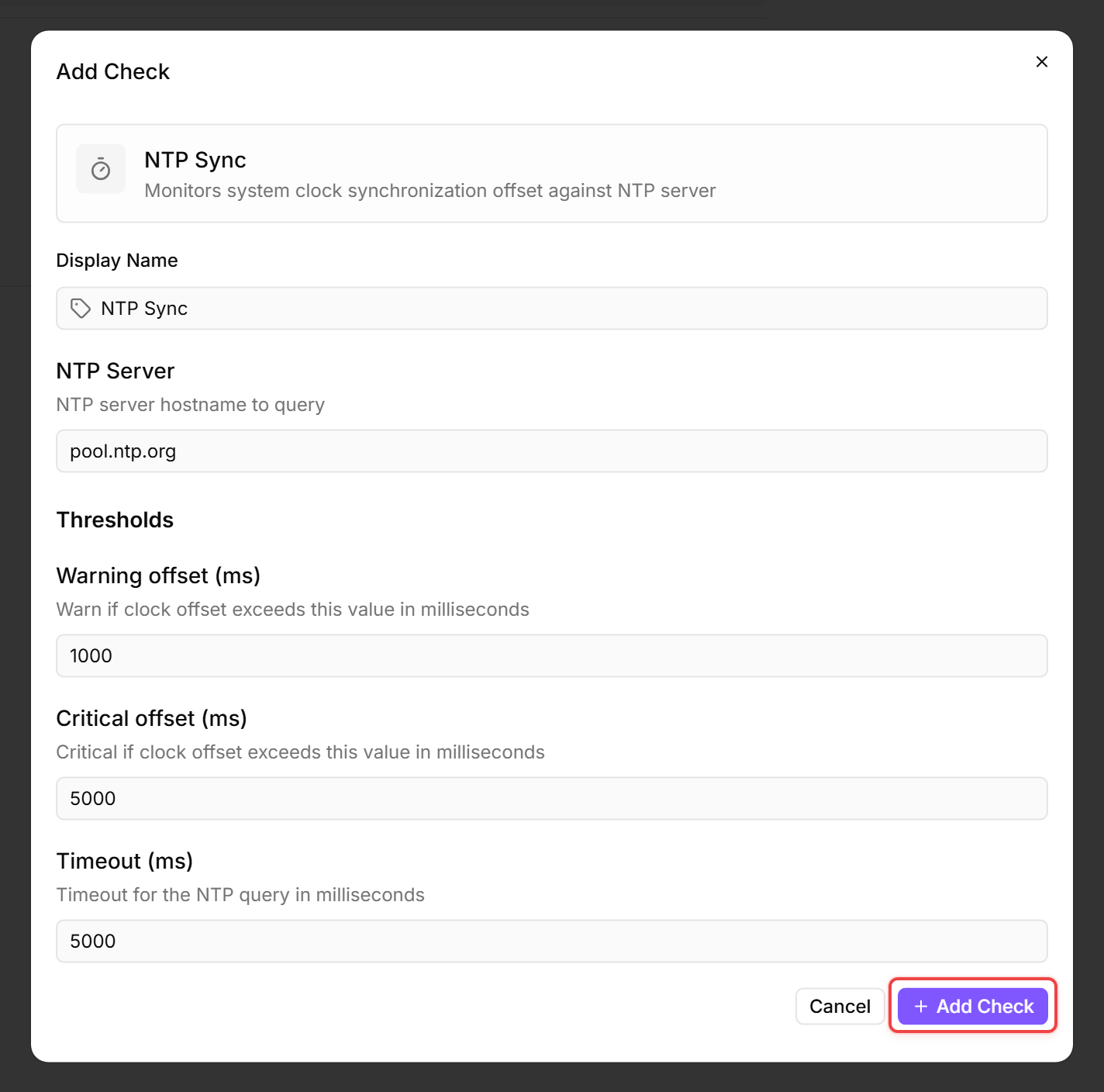
An NTP Sync Check compares the device's system clock against an NTP server and warns if the offset exceeds a threshold. Clock drift can cause authentication failures, log correlation issues, and certificate validation errors.
Prerequisites
- You need the Monitoring Check Management permission.
- The target device must have a connected agent with network access to an NTP server.
Steps
- Go to Devices and open the device.
- Click the Checks tab → Add Check → NTP Sync.
- Configure the check:
- Click Add Check.
Tips
- Use your organization's internal NTP server if you have one. Otherwise,
pool.ntp.orgis a reliable default. - On domain-joined Windows machines, the domain controller is normally the NTP source. Use the DC address for the most accurate comparison.
- A clock offset of a few milliseconds is normal. The default warning threshold of 1 second catches meaningful drift without alerting on minor jitter.
After the first check interval, the result appears in the device's Checks tab.
See also: NTP Sync Check Reference