Configure an SSL/HTTP-Check
Monitor website availability and SSL certificate expiry with an SSL/HTTP check
Written By Erdinc Akay
Last updated 25 days ago
An SSL/HTTP check monitors whether a website or web service is reachable and whether its security certificate is still valid. If the site goes down or the certificate is about to expire, you get an alert.
What this check does
- Website availability: sends a request to a URL and checks whether the response is what you expect (usually a "200 OK" status).
- Certificate expiry: checks how many days are left before the site's SSL/TLS certificate expires.
Before you start
You need the full URL of the site or service you want to monitor, including https:// (for example, https://portal.example.com).
Steps
- Go to Devices and open the device that will perform the checks.
- Click the Checks tab → Add Check → SSL / HTTP.
- Add one or more endpoints to monitor:
The two threshold fields only appear when Check SSL certificate expiry is enabled. If you turn that option off, the warning and error day fields are hidden.
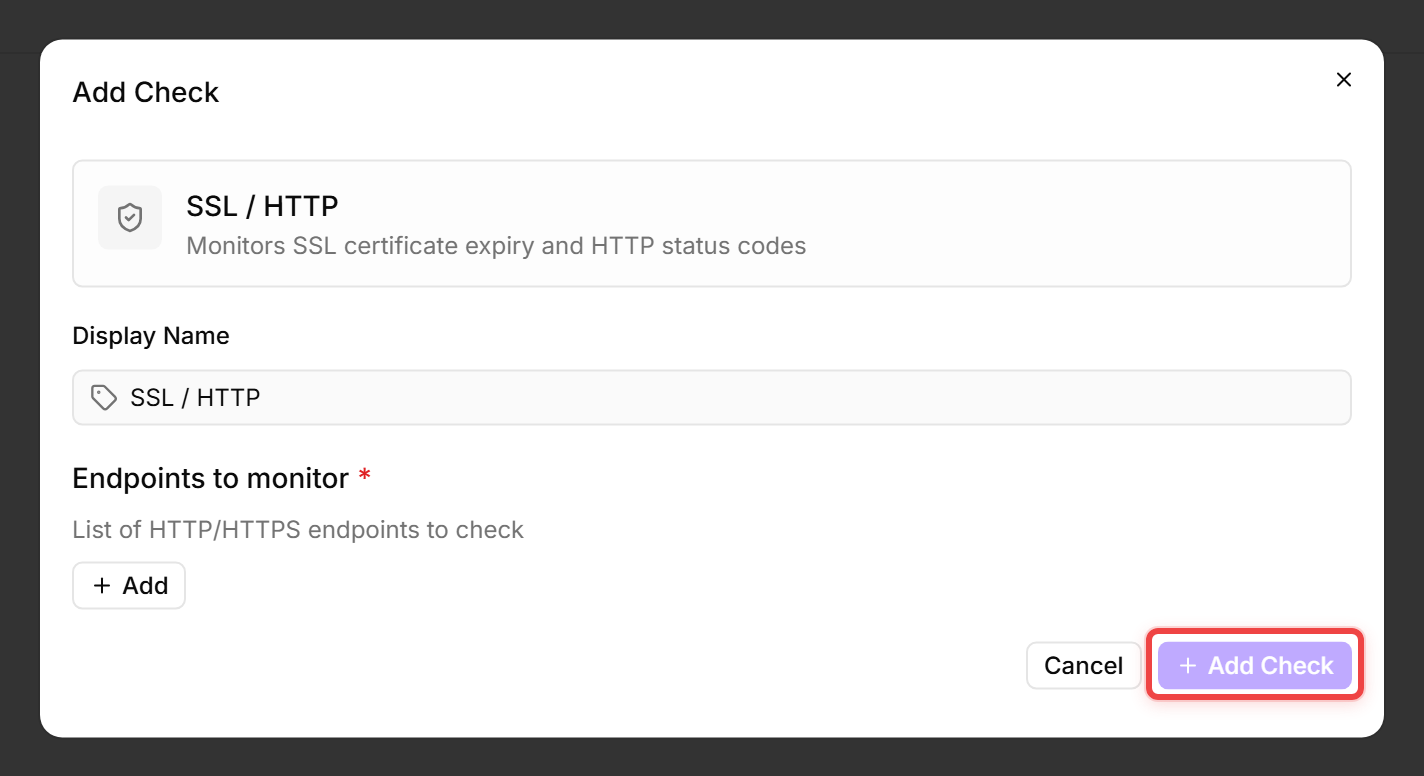
- Click Add Check to confirm.
What triggers an alert?
Tips
- You can monitor multiple URLs in a single check — octoja checks them all and reports the worst result.
- The check does not follow redirects. If your site redirects (e.g.
http://→https://), enter the final URL. - A typical setup: set Warning to 30 days and Error to 14 days.
After the first check interval, the result appears in the device's Checks tab.
See also: SSL/HTTP-Check Reference