Configure a Crash Detection Check
Get alerted when a system experiences a BSOD or kernel panic
Written By Erdinc Akay
Last updated 25 days ago
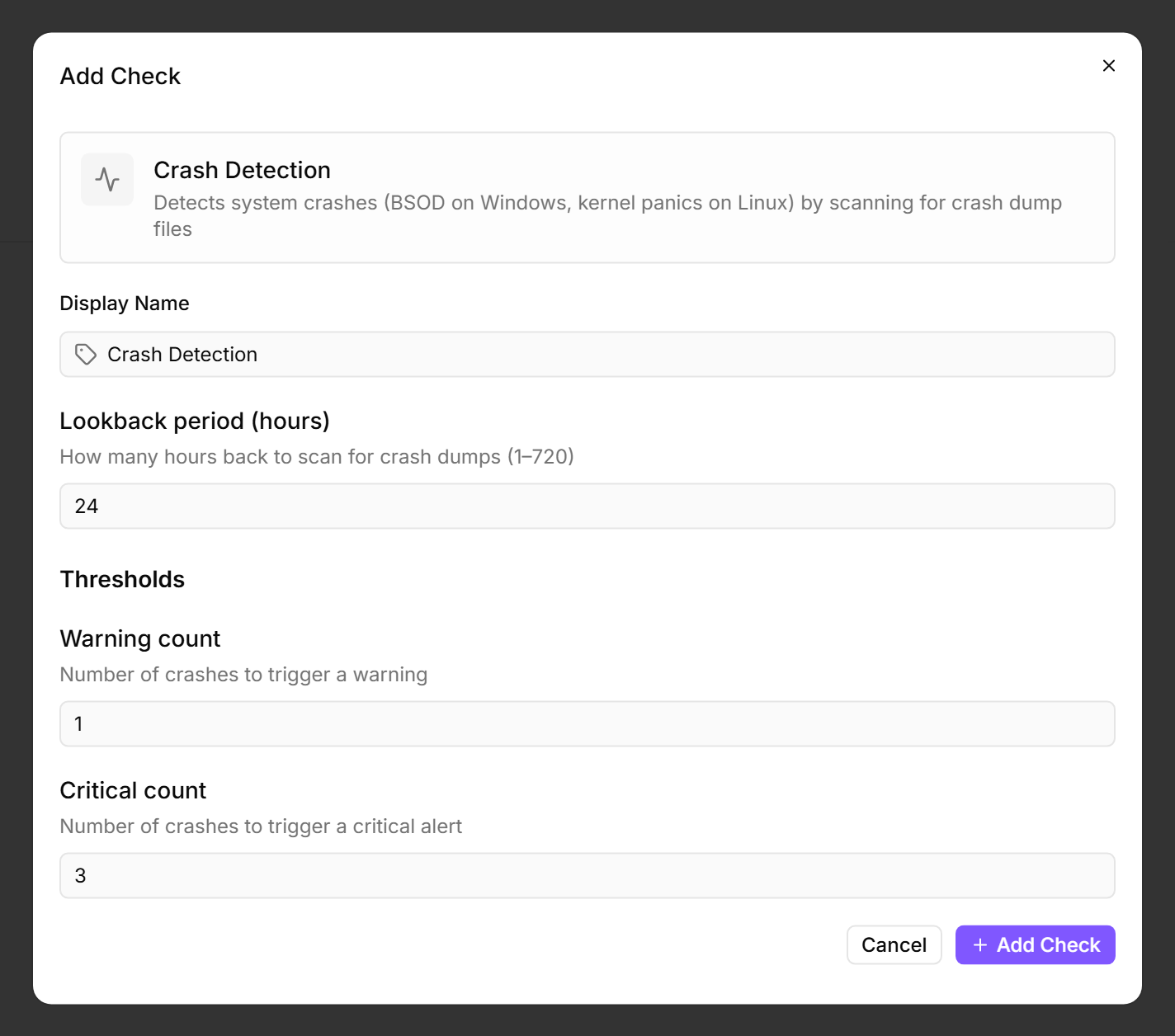
A Crash Detection Check looks for traces of system crashes — blue screens (BSOD) on Windows and kernel panics on Linux. It alerts you to stability issues that might otherwise go unnoticed, especially on unattended servers.
Prerequisites
- You need the Monitoring Check Management permission.
- The target device must have a connected agent running Windows or Linux.
- On Windows, crash dump files must be enabled (this is the default).
Steps
- Go to Devices and open the device.
- Click the Checks tab → Add Check → Crash Detection.
- Configure the check:
- Click Add Check.
What the check reports
The check reports the number of detected crashes within the lookback period. On Windows, it scans the minidump directory (C:\Windows\Minidump) for dump files. On Linux, it checks /var/crash, /var/lib/systemd/coredump/, and kernel log entries.
Tips
- A single crash on a server warrants investigation — set the warning threshold to 1.
- On workstations, occasional BSODs caused by driver issues are less urgent — a warning at 1 and critical at 3 gives you visibility without excessive noise.
- If crash dumps are disabled on a Windows device (rare), the check cannot detect BSODs. Verify the dump settings under System Properties → Startup and Recovery.
- Warning and critical counts are clamped to 1–100. If you set the warning count higher than the critical count, the two values are swapped automatically.
After the first check interval, the result appears in the device's Checks tab.
See also: Crash Detection Check Reference