NTP Sync
Monitor how far your device's system clock drifts from an NTP server and catch clock drift early.
The NTP Sync check measures the offset between the device's system clock and an NTP server and alerts when the absolute offset meets or exceeds the configured thresholds. Clock drift can cause authentication failures, log correlation issues, and certificate validation errors. The check runs on Windows, Linux, and macOS every 60 minutes on the agent; the interval is not user-configurable. It does not adjust the system clock.
Prerequisites
- You need the Monitoring Check Management permission.
- The target device must have a connected agent with network access to an NTP server. The query goes to UDP port 123 on the configured server, so the device needs outbound UDP 123 open to reach it.
Steps
- Go to Devices and open the device.
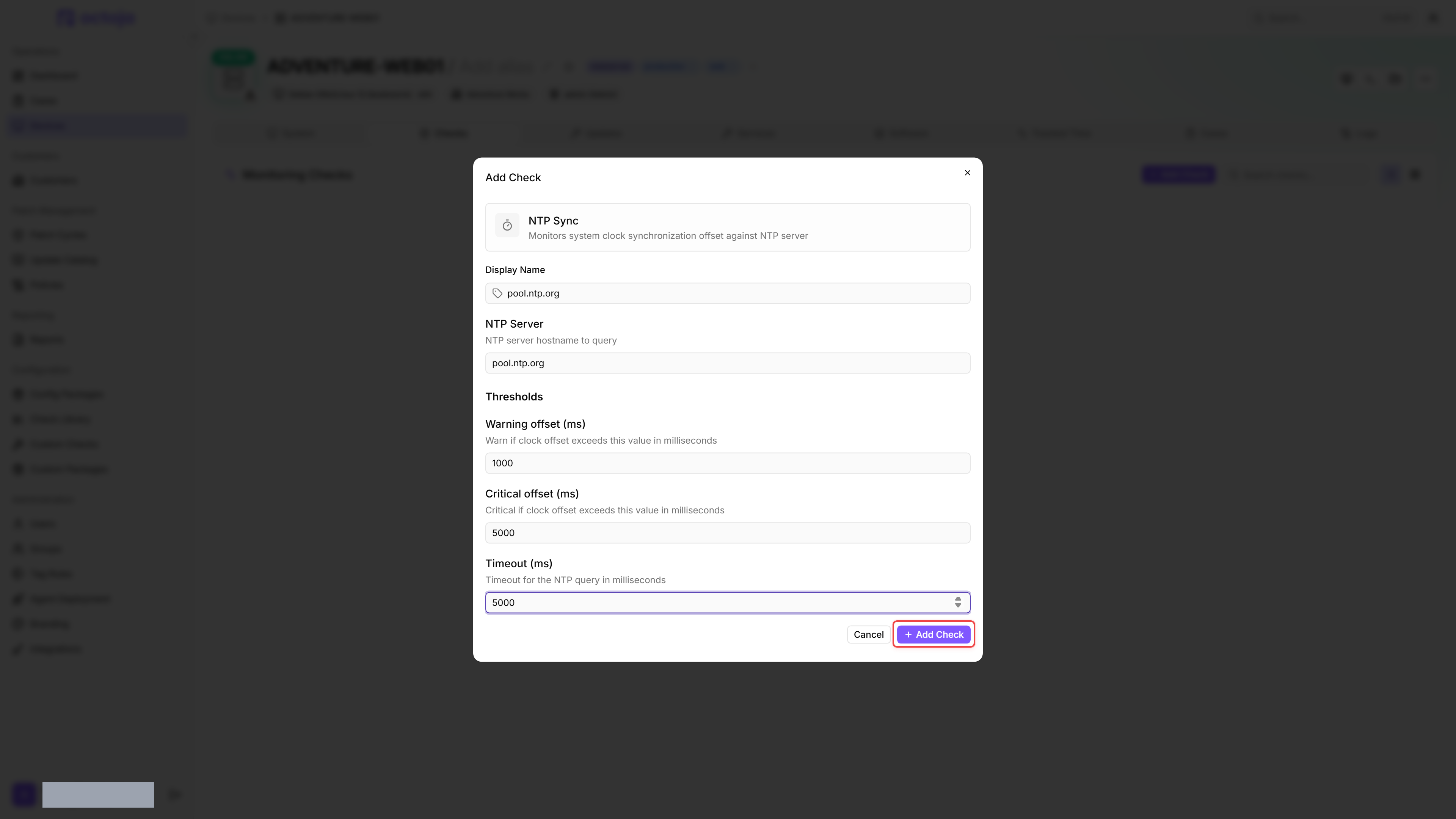
- Click the Checks tab → Add Check → NTP Sync.
- Enter the server to compare against under NTP Server and adjust the thresholds if needed.
- Click Add Check.
After the first check interval, the result appears in the device's Checks tab.
Settings
- If the Warning offset is configured higher than the Critical offset, the two values are automatically swapped before evaluation.
- Each run makes up to three attempts, each on a fresh socket, before it reports a failure. The Timeout applies per attempt, so an unreachable server takes up to three times the timeout to report.
Results
The check sends an NTP query, compares the response time against the local clock, and collects:
- Offset (ms) — signed difference between the NTP server time and the local system clock. A positive offset means the NTP server is ahead of the device clock, so the device is running behind; a negative offset means the device is ahead.
- NTP server — the host the check queried
- NTP time — the timestamp returned by the NTP server
- Local time — the local system clock timestamp at the moment of comparison
Failure reasons
A failed run records one of the following reasons, shown in the check's details on the device.
Tips
- Use your organization's internal NTP server if you have one. Otherwise,
pool.ntp.orgis a reliable default. - On domain-joined Windows machines, the domain controller is normally the NTP source. Use the DC address for the most accurate comparison.
- A clock offset of a few milliseconds is normal. The default warning threshold of 1 second catches meaningful drift without alerting on minor jitter.
Was this helpful?
Still need help? Ask the team