Proxmox Cluster & Quorum
Monitor quorum, nodes, Corosync links and the /etc/pve mount of your Proxmox VE cluster.
The Proxmox Cluster & Quorum check monitors quorum, online nodes, Corosync links and the /etc/pve mount of a Proxmox VE host. It runs on Linux (x64 and ARM64) every 10 minutes by default and does not change cluster membership or quorum settings.
Prerequisites
- The octoja agent runs directly on the Proxmox host.
pvecmandpveshare available, pluscorosync-cfgtoolfor a configured cluster. The agent can run status queries and read/proc/self/mountinfo.- You can assign checks to the device. Configuration packages require Monitoring Check Management.
Steps
- Open the host and add Proxmox Cluster & Quorum under Checks. Use a configuration package for multiple hosts.
- Enable Require cluster membership if a standalone Proxmox host is not acceptable here.
- Save.
- After the first run, open the result. Check cluster name, local node, quorum, online node count, faulty links and the
/etc/pvemount. - Configure alerting if needed.
Settings
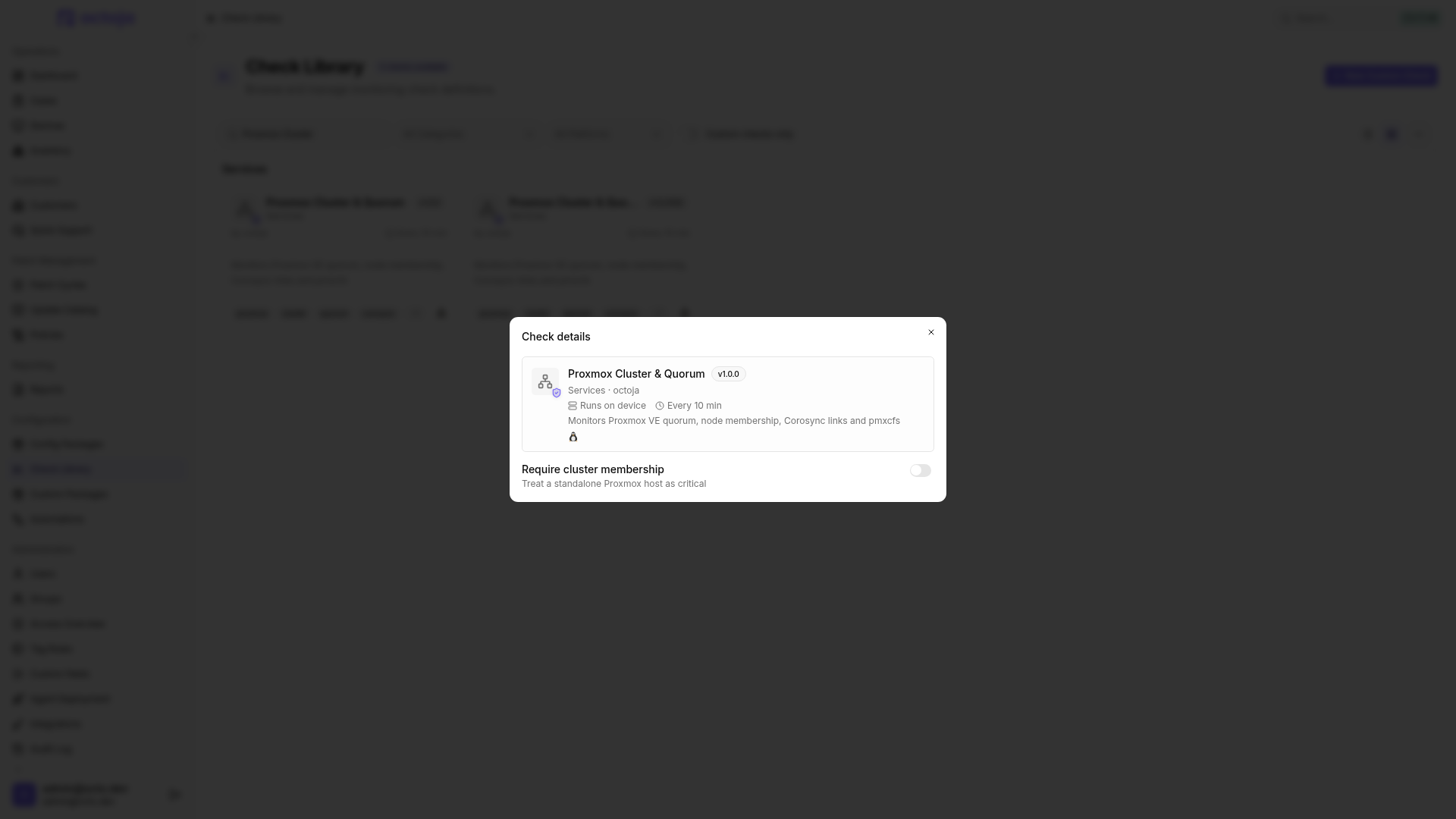
Results
Troubleshooting
An OK result with Not a Proxmox VE host does not confirm a healthy cluster. Check that the check runs on the host, pvecm is available and /etc/pve exists. For query errors, inspect the command named in the result and its execution permissions. Resolve cluster problems in Proxmox; the check does not perform repairs.
Was this helpful?
Still need help? Ask the team