Proxmox Services & HA
Monitor the essential Proxmox VE services, HA status and failed storage replication jobs on your hosts.
The Proxmox Services & HA check monitors a Proxmox VE host's essential services and storage replication jobs. On cluster hosts, it also checks cluster services and HA status. It runs on Linux (x64 and ARM64) every 10 minutes by default, does not restart services, and does not change HA or replication configuration.
Prerequisites
- The octoja agent runs directly on the Proxmox host, not just in one of its VMs.
- The host provides
pveversion,systemctlandpvesr; cluster hosts also needha-manager. The agent must be allowed to run the status queries. - You can assign checks to the device. Configuration packages require Monitoring Check Management.
Steps
- Open the host and add Proxmox Services & HA under Checks. Use a configuration package for multiple hosts.
- Save the assignment.
- After the first run, open the result. It shows whether the host was detected as standalone or clustered, how many services were checked, and whether HA or replication problems were found.
- Configure alerting if needed.
Settings
The check has no check-specific input fields.
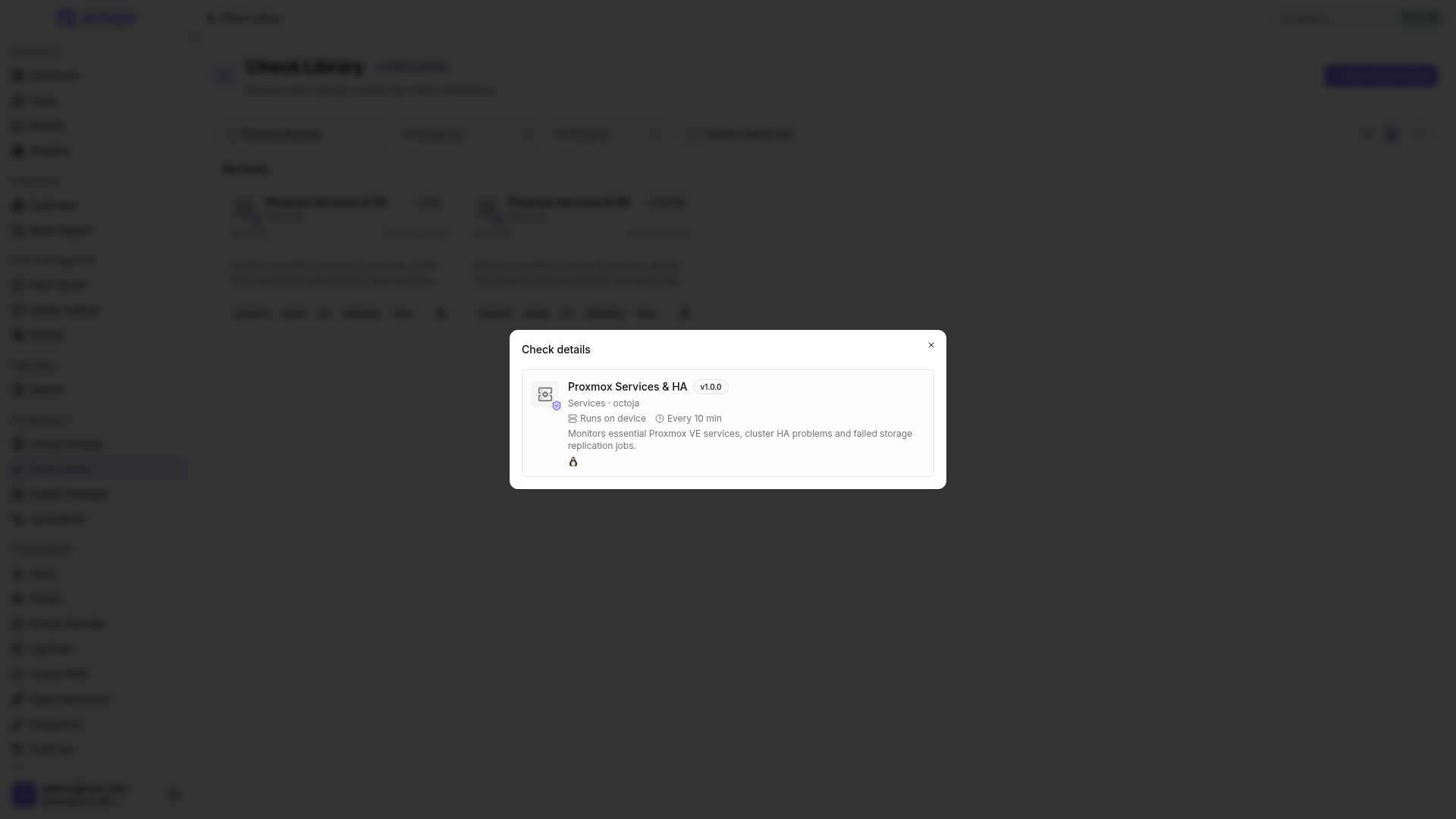
What is checked
Results
An inactive service, a detected HA problem or failed replication makes the overall result Critical. Open the result to identify the affected service and its state, or the number of HA problems and failed replication jobs. Then investigate the details on the Proxmox host.
If a required command is missing or fails, the check shows an error rather than confirming a healthy state. Check installation and execution permissions on the host.
A device on which Proxmox is not detected receives OK with a note that Proxmox VE is not installed. After assigning the check, make sure you selected the host rather than a VM.
Was this helpful?
Still need help? Ask the team